
90s Horror Aesthetic: How to Get the Y2K Ghostface Filter Look
Nostalgic horror is back. Discover how to apply the grainy, high-contrast Y2K Ghostface filter to your selfies for the ultimate 90s thriller vibe.
The Y2K Ghostface Aesthetic Explained
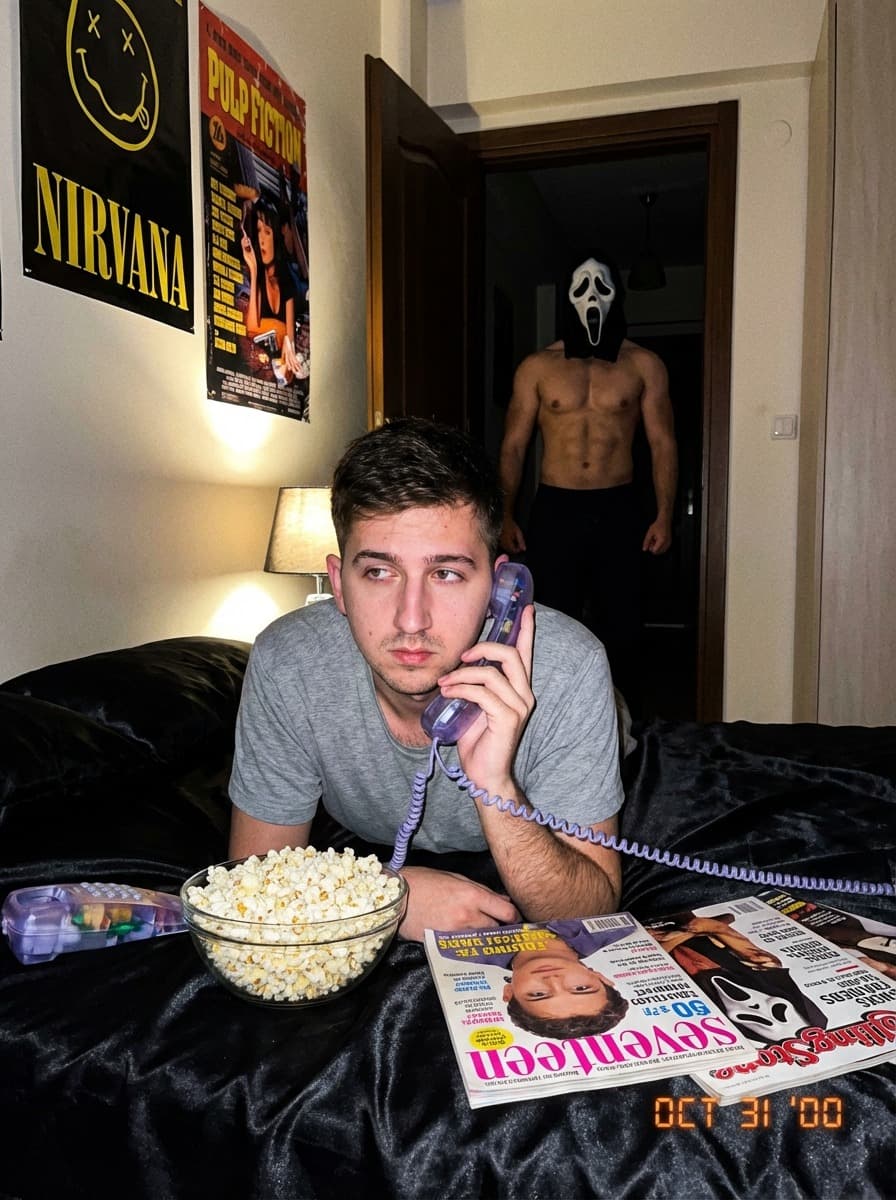
The Y2K Ghostface filter is a digital stylization technique that mimics the visual quality of late-90s slasher films. It combines low-fidelity video grain, high-contrast flash lighting, and the integration of iconic horror elements to create a "found footage" look that is highly popular on social platforms like TikTok and Instagram.
Why 'Scream' Core is Trending
Everything old is new again. In 2026, the obsession with the late 90s has moved into the "Nightmare" aesthetic. This look isn't about being pretty; it's about atmosphere. The green-tinged shadows and "cheap" digital camera noise create a sense of mystery that clean, high-res photos just can't match.
How to Pose for the Ghostface Filter
To maximize the "scary movie" effect, try these specific camera angles:
- The Low Angle: Looking down at the camera makes you look like the protagonist in a chase scene.
- The Mirror Selfie: Using the flash in a mirror creates the "blown out" look essential for 90s horror.
- The Shoulder Look: Looking back over your shoulder adds immediate tension to the AI-generated background.
Technical Breakdown: Film Grain & Color Grading
Our Ghostface AI model applies a specific Cyan-Green shadow shift. This replicates the color science of 35mm film stock used in late 90s horror productions. The AI also injects "chromatic aberration" (that slight color bleeding on the edges), which makes the image feel like a still from a VHS tape.