
Minecraft AI Photo Filter: How to Create the 'Inventory Drop' Effect (2026 Trend)
The 'Inventory Drop' look is taking over social media. Learn how our AI filter creates a photorealistic Minecraft explosion around your portraits.
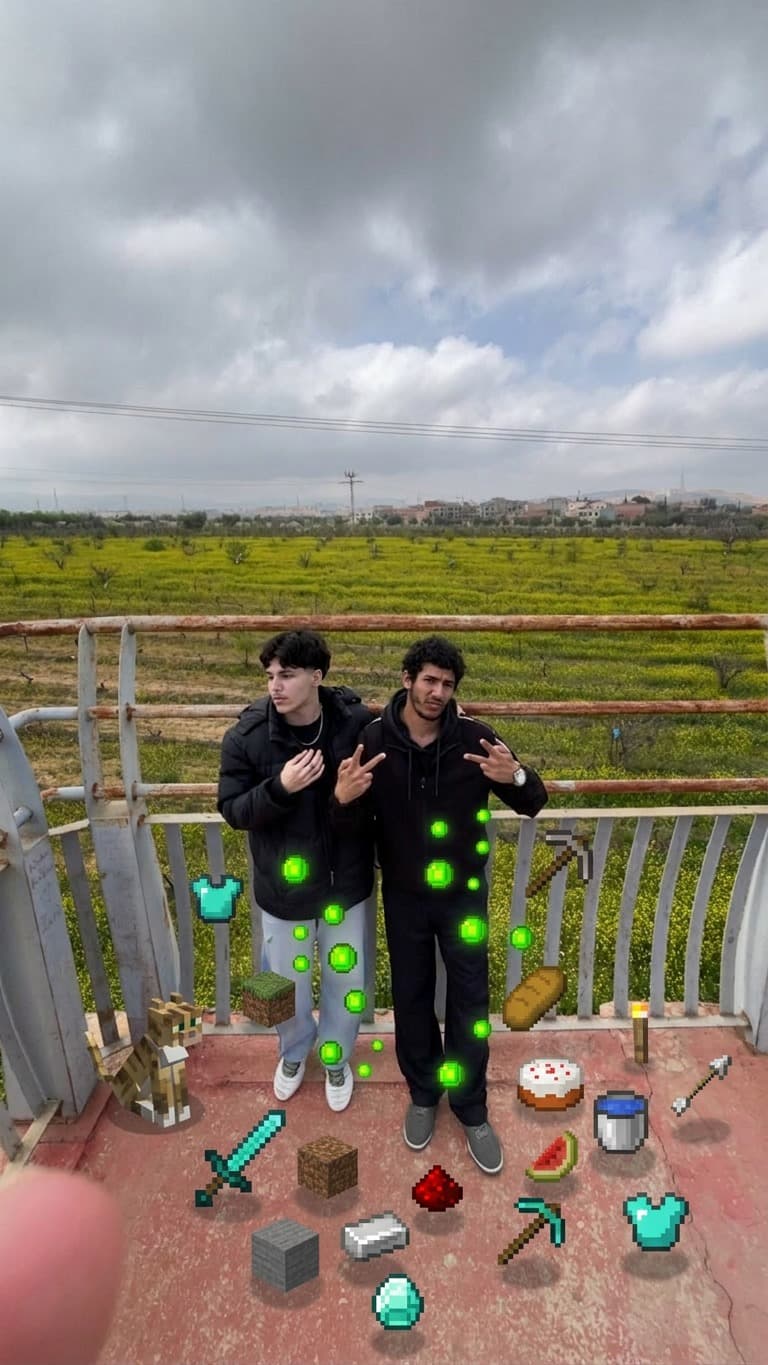
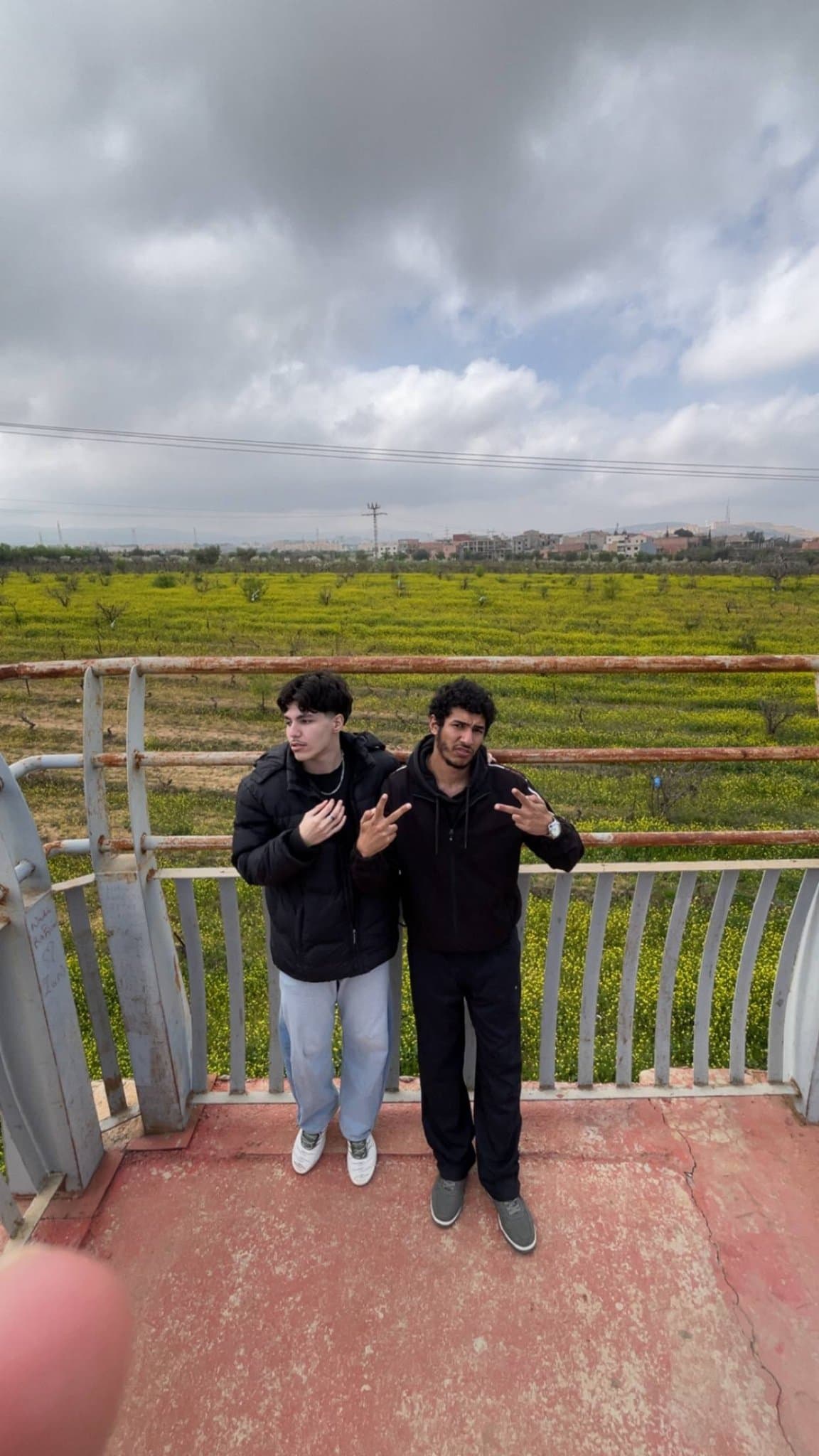
What is the Minecraft Inventory Drop Filter?
The Minecraft Inventory Drop filter is a generative AI style that simulates the "death screen" or "inventory burst" effect from Minecraft. It programmatically identifies the subject of a photo and surrounds them with high-fidelity, voxel-based 3D blocks and items, creating a surreal blend of reality and gaming aesthetics.
The Rise of Voxel-Realism
In 2026, gamers aren't just looking for pixelated art; they want voxel-realism. This means blocks that have realistic lighting, shadows, and textures while maintaining the iconic cubic shape. Our AI model is trained on thousands of ray-traced Minecraft renders to ensure every block in your photo looks like it was rendered in a high-end gaming engine.
Top 3 Minecraft Effects in Your Photo
- Item Randomization: The AI selects iconic items like diamonds, swords, and grass blocks to float around you.
- Voxel Shading: Dynamic shadows are applied to the blocks based on the lighting in your original photo.
- Likeness Preservation: Unlike other apps, our AI keeps your face perfectly clear while the world around you transforms into a blocky masterpiece.
Comparison: Why FiltersBase Wins
| Feature | Standard Pixel Filters | FiltersBase AI |
|---|---|---|
| Depth Perception | Flat 2D overlays | Full 3D Voxel Depth |
| Subject Awareness | None (blocks cover face) | AI Masking (subject stays clear) |
Frequently Asked Questions
Does this work on group photos?
Yes, our AI is capable of detecting multiple people and surrounding the entire group with a shared inventory burst effect.
Can I use this for my YouTube thumbnail?
Absolutely. The high-resolution output is perfect for gaming thumbnails and profile headers.