
GTA Loading Screen Filter: The Viral 2026 Aesthetic Guide
Learn how to get the iconic hand-painted Grand Theft Auto loading screen look for your own photos using generative AI.
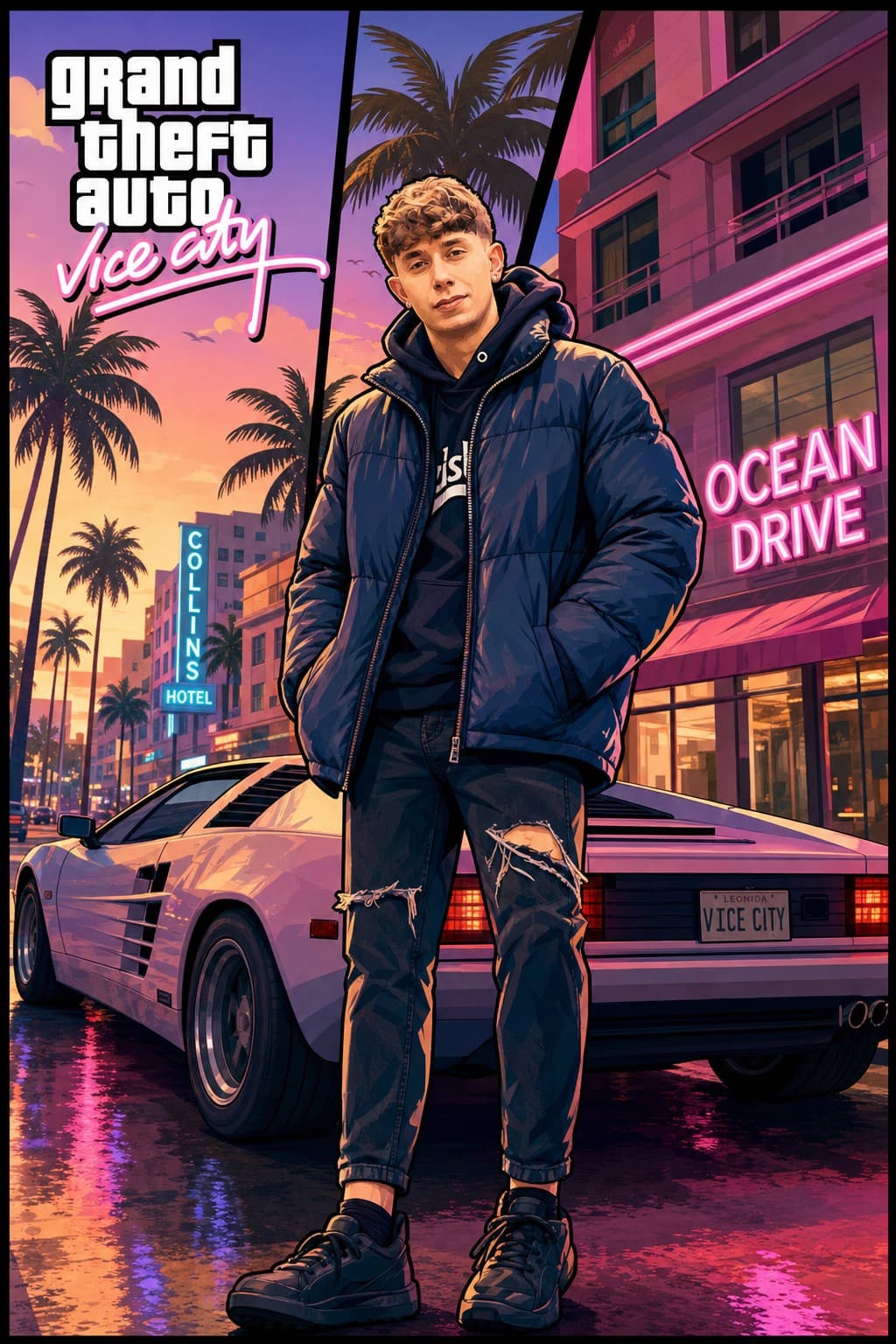
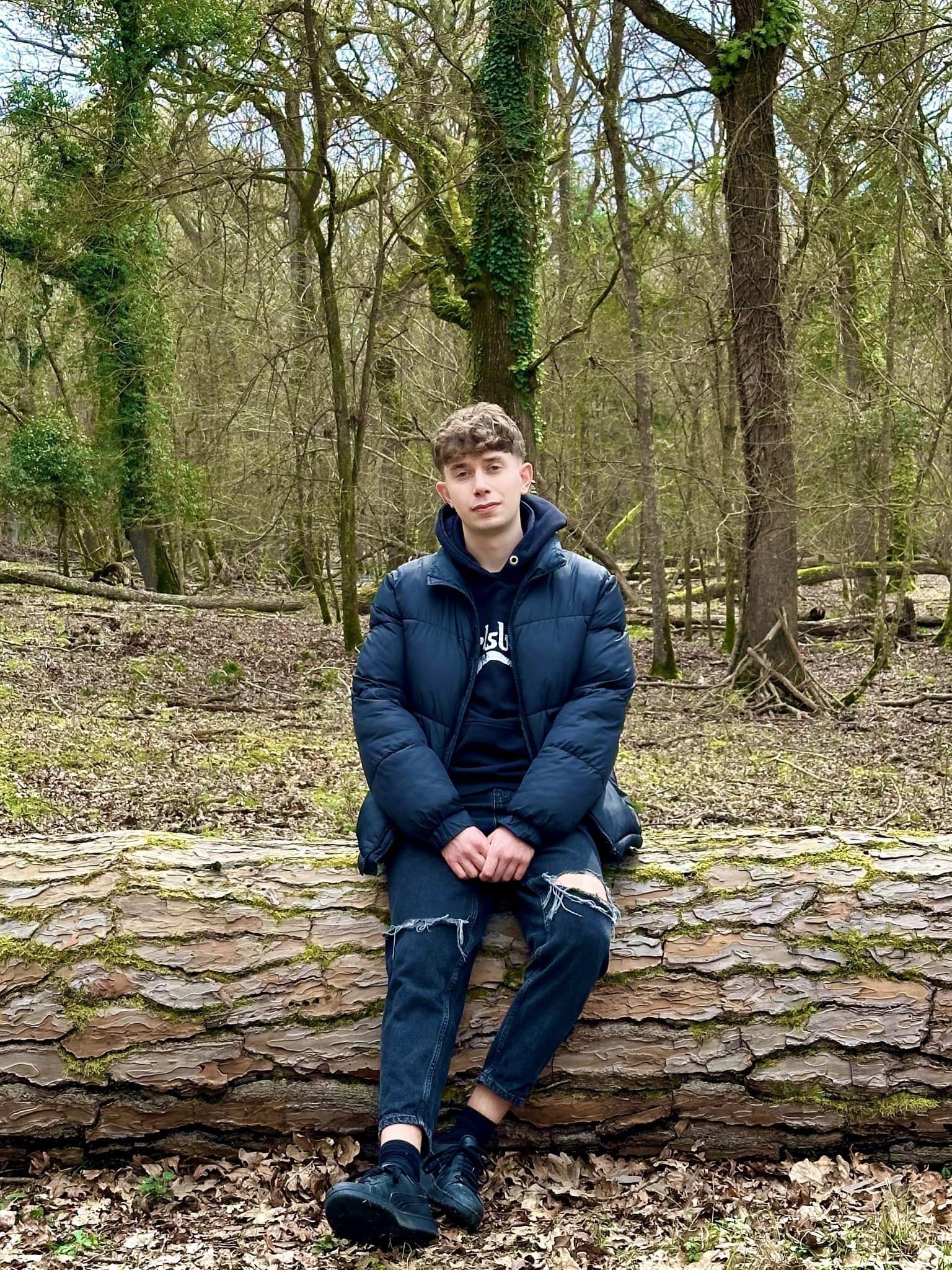
What is the GTA Loading Screen Filter?
The GTA Loading Screen filter is a generative AI style that applies a high-contrast, cell-shaded, and vibrant "digital oil painting" look to photos, mimicking the legendary art style of the Grand Theft Auto series. This aesthetic is defined by sharp outlines, saturated colors, and dramatic comic-book style shading.
The Legend of the Vice City Style
Why does everyone want the GTA look? It's a perfect blend of realism and pop-art. In 2026, this style has resurfaced as the ultimate "main character energy" filter for Instagram and TikTok. Whether you're standing in front of a car or just a sunset, the AI applies a cinematic grain that makes you look like a video game protagonist.
How the AI Processes Your Image
When you use the GTA Loading Screen filter on FiltersBase, the AI performs three primary tasks:
- Edge Detection: It identifies the contours of your face and body to apply the iconic black ink outlines.
- Saturating Tones: It boosts warm tones (oranges/yellows) to give it that "West Coast" or "Vice City" sunset vibe.
- Stylized Shading: It replaces smooth gradients with distinct, hard-edged shadows used in professional comic book illustrations.
Best Poses for the GTA Filter
- The Lean: Leaning against a wall or vehicle adds to the "street" aesthetic.
- The Looking Away: Adds mystery and mimics the "candid" style of GTA character art.
- Prop Focus: Holding sunglasses or a phone helps the AI add realistic hand-painted textures to common objects.
Technical Specifications
Our GTA filter is powered by a custom-tuned Flux model, optimized for human portraits. It runs 40+ inference steps to ensure the high-contrast lines don't blur the facial features, keeping you recognizable while completely transforming the art style.